Notes stay on your device
Markdown and builds run locally — your vault never uploads. Guest publish only ships generated static HTML.
Obsidian plugin · Available now
Obsidian Share is MDFriday's first plugin entry — powered by the Foundry engine with local-first builds and one-click publish. Privacy, free trial, and a professional look.
Markdown and builds run locally — your vault never uploads. Guest publish only ships generated static HTML.
No Google account or credit card. Right-click a note to publish and get a share link immediately.
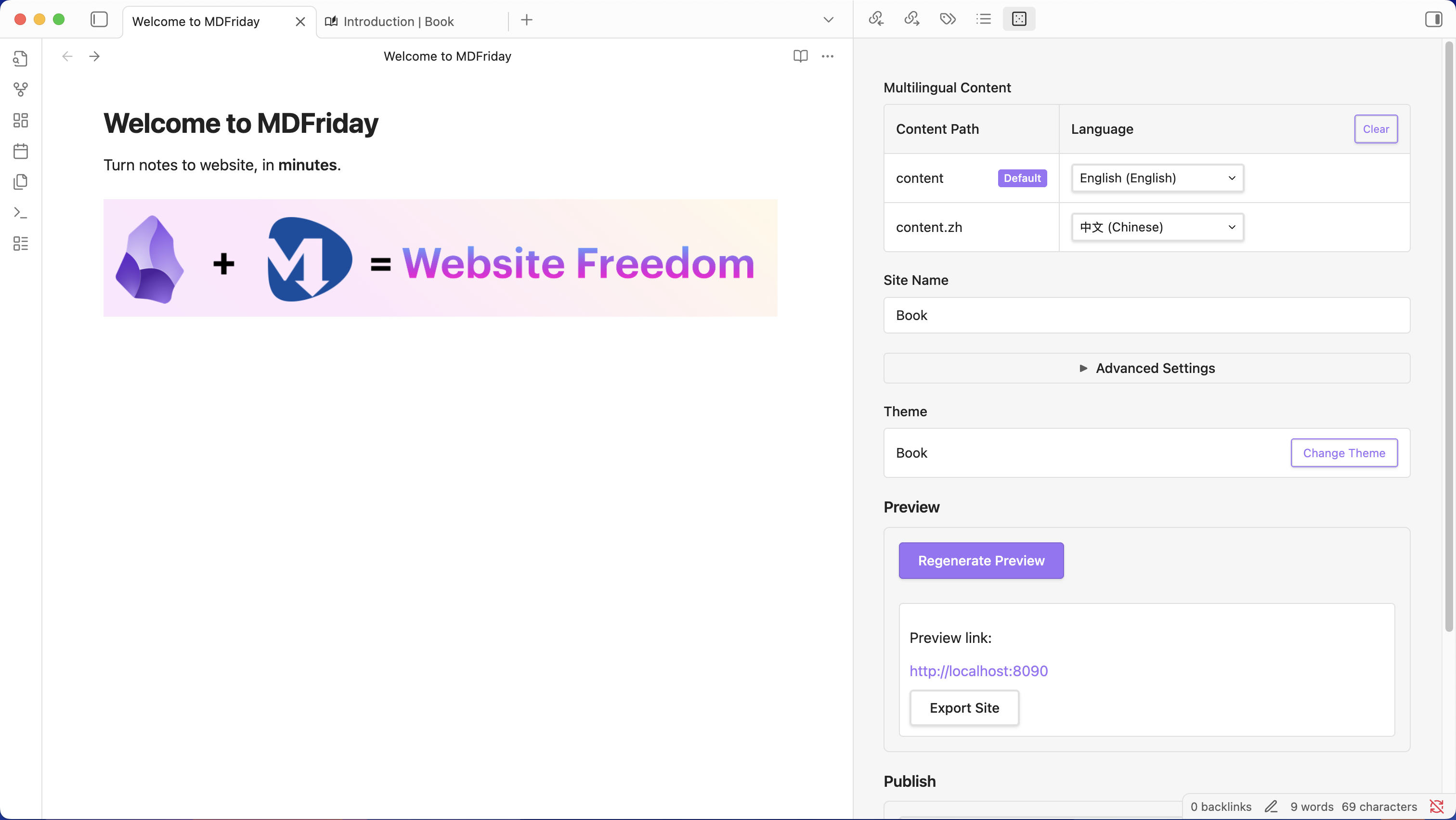
No Hugo CLI to learn. Pick a theme, preview locally, hit publish — all inside Obsidian.
Hugo-compatible themes with i18n and shortcodes. WYSIWYG preview before you publish — no ugly surprises.
creators have published with MDFriday
Data & privacy
Foundry builds static sites on your device. Guest share, Personal hosting, or export a ZIP to any platform — source notes always stay with you.

Publishing
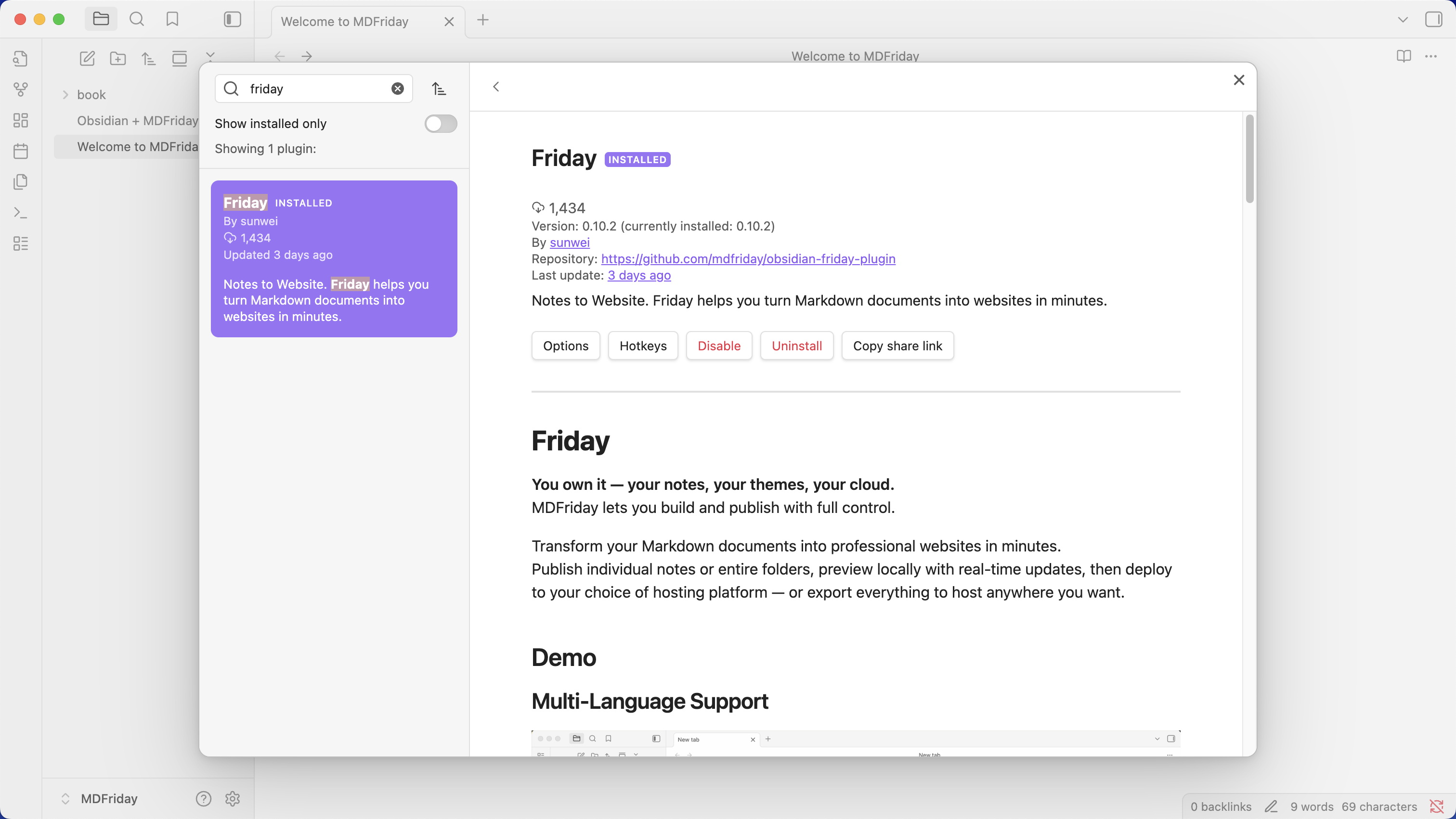
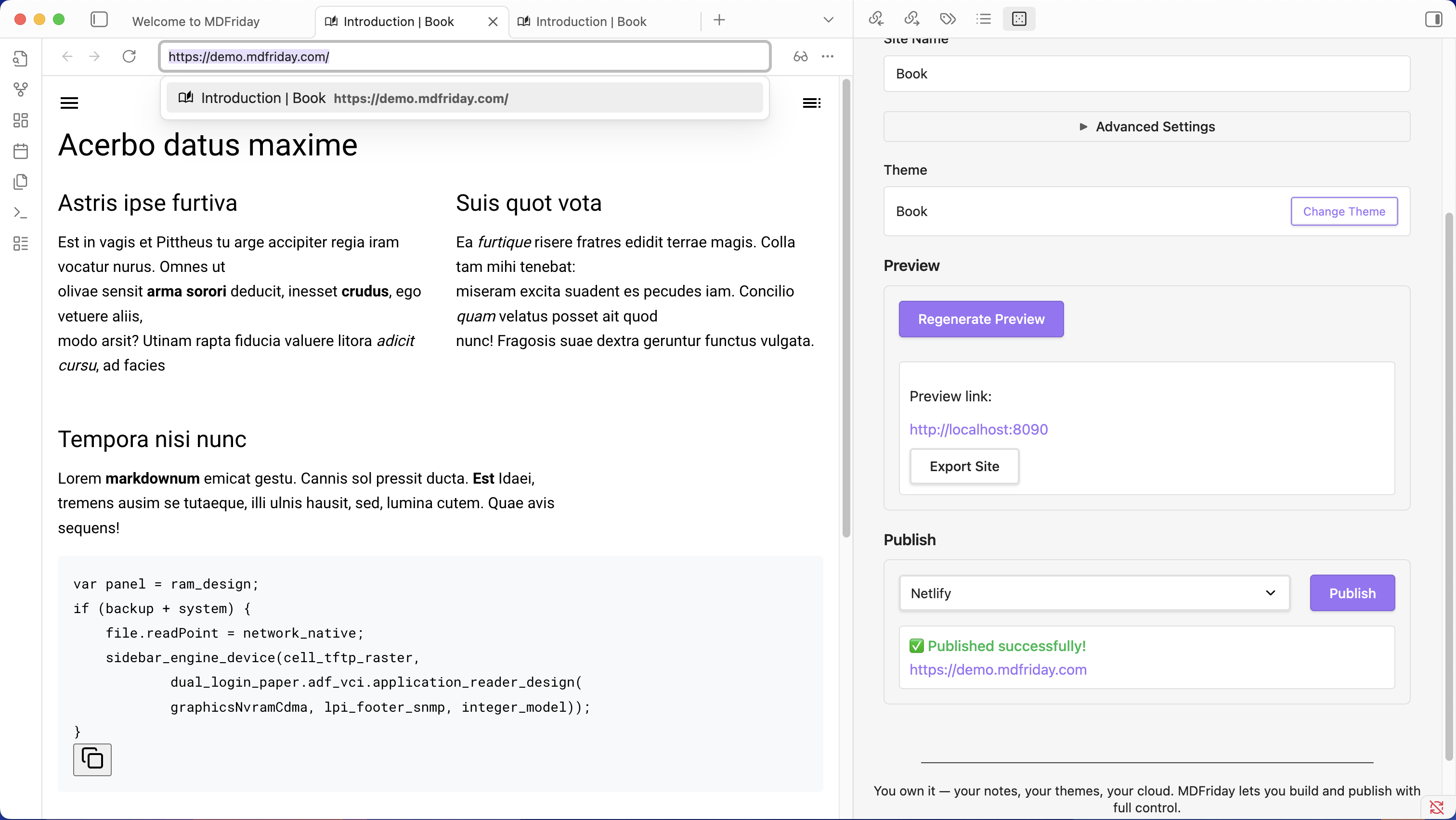
Install the plugin, open any note → Share → first build downloads themes → get a public URL. Personal adds custom slugs and Guest site merge.
Look & themes
500+ Hugo themes for blogs, docs, portfolios, and landing pages. Local preview matches production — no guessing.
Applicable solutions
Share is the core plugin for MD note publishing today — scene-specific plugins coming next.
Compared on what creators actually care about — not just feature checklists.
| MDFriday Share | Obsidian Publish | Manual Hugo | |
|---|---|---|---|
| Local build | ✓ | — | ✓ |
| Single-note publish | ✓ | Full vault | Manual |
| Theme choice | 500+ | Limited | 3000+ |
| Free Guest publish | ✓ | — | — |
| Export static site | ✓ | — | ✓ |
| Data stays local | ✓ | Cloud | ✓ |
Search MDFriday Share in Community Plugins, enable, and publish your first note.